
PROYECTOS TERMINADOS
EN EJECUCION
PAISES
“Una alianza con respaldo internacional”
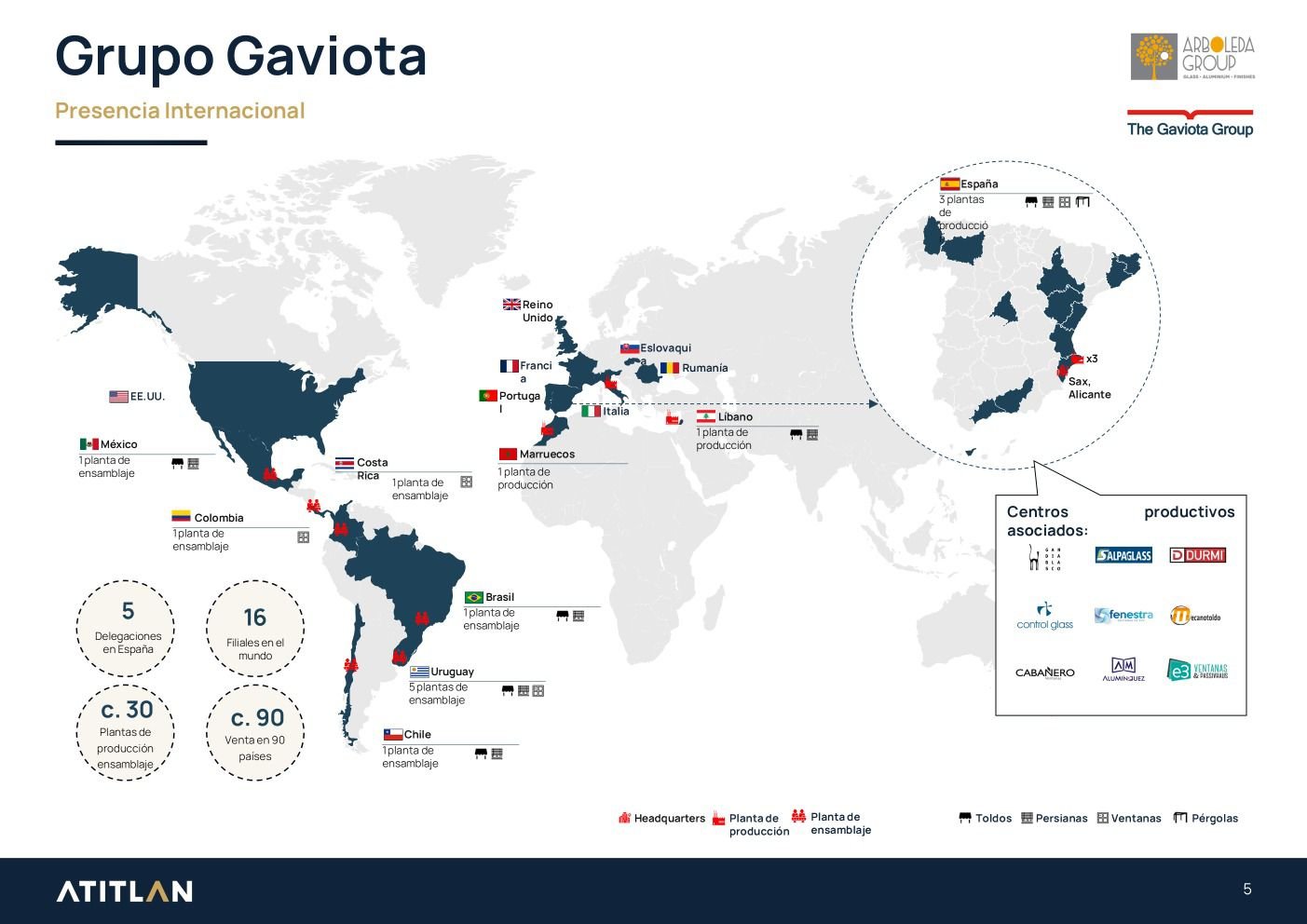
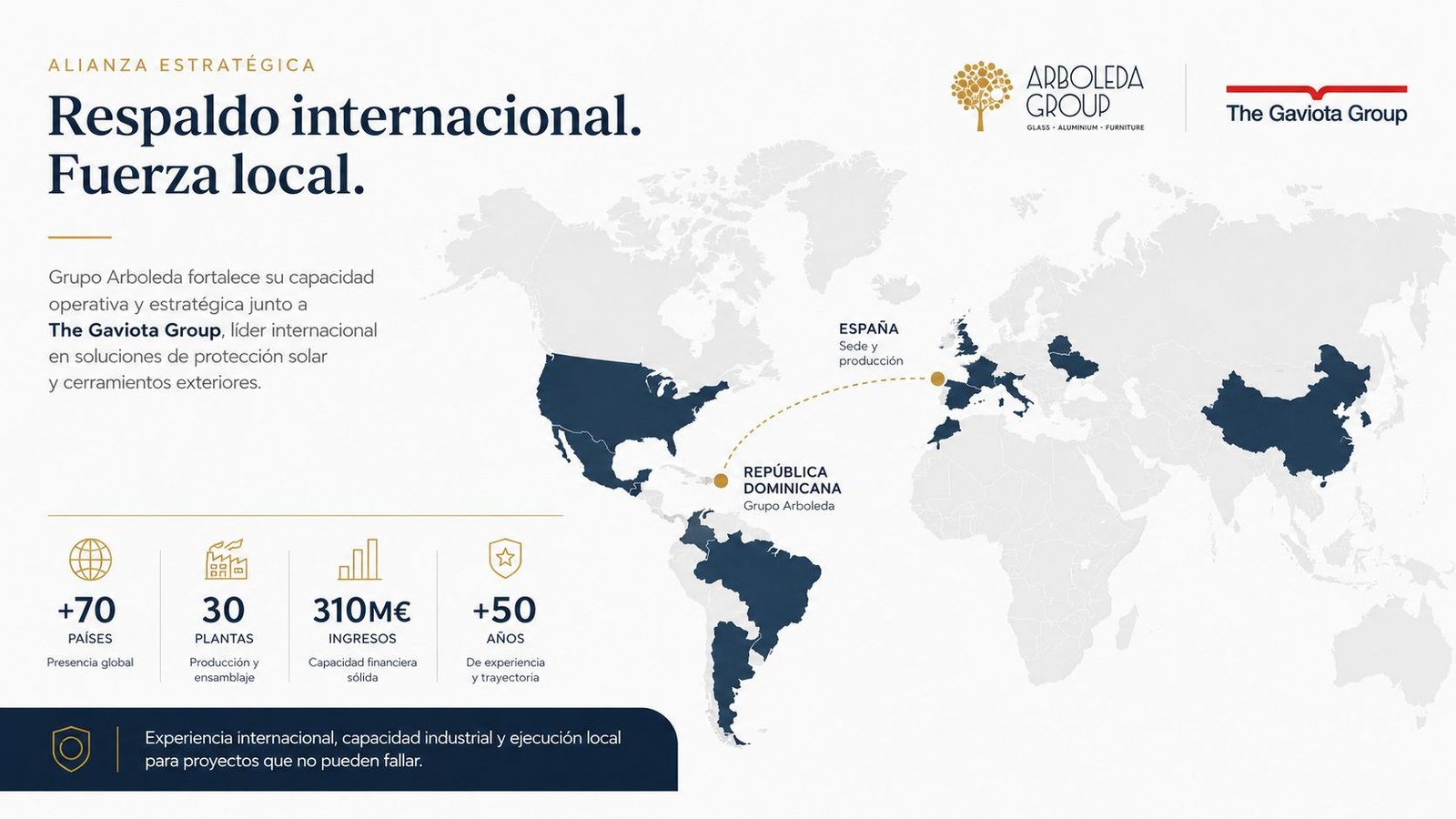
Grupo Arboleda entra en una nueva etapa respaldada por Grupo Gaviota-Atitlan, un grupo internacional con operaciones en fabricación y tecnología arquitectónica
Para ti, esto significa mayor capacidad operativa, mejor respaldo técnico y más estructura en cada proyecto que asumimos.
Grupo Arboleda fortalece su capacidad operativa y estratégica junto a The Gaviota Group, líder internacional en soluciones de protección solar y cerramientos exteriores.
* +70 países
* 30 plantas de producción y ensamblaje
* 310M€ en ingresos
* +50 años de trayectoria
“Experiencia internacional, capacidad industrial y ejecución local para proyectos que no pueden fallar.”
Los beneficos que recibes cuando trabajas
con respaldo real
Ejecuta proyectos que lucen y funcionan tal como fueron concebidos desde el primer día.
Asegura decisiones técnicas desde el inicio que sostienen el proyecto completo.
Diseña con la certeza de que lo que propones se puede ejecutar.
Reduce fricción en obra a través de decisiones bien planteadas desde el inicio.
NUESTRA TRAYECTORIA EN NÚMEROS
Años construyendo soluciones de alto nivel en el mercado
Referente
En el Caribe reconocidos por precisión,
calidad y confianza
Respaldo
Internacional el músculo de un grupo global detrás de cada obra
Proyectos que hablan por sí solos
Soluciones que elevan el estándar arquitectónico, aportando valor real y resultados ejecutables desde la especificación.
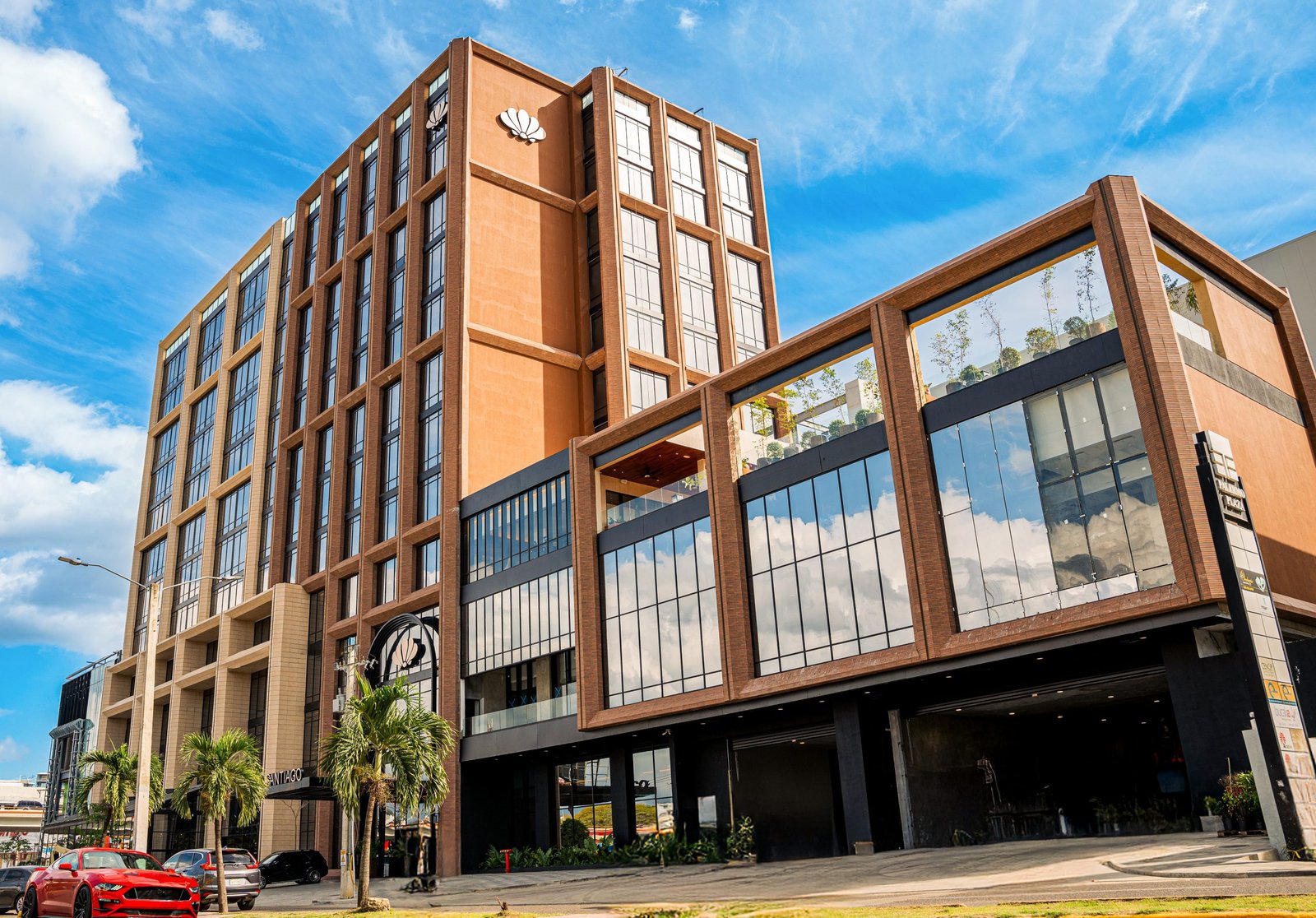
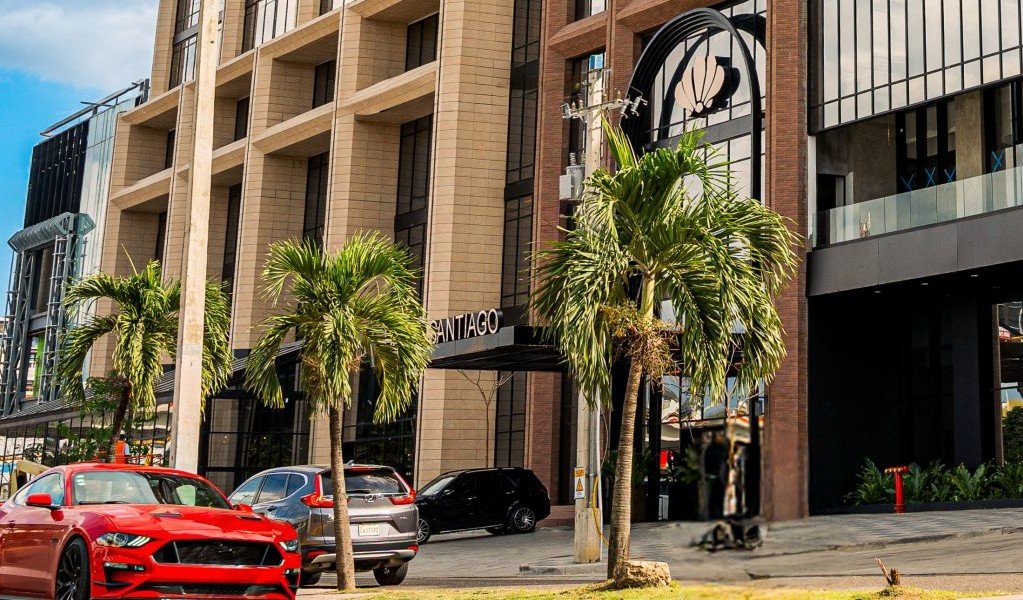
Santiago Center
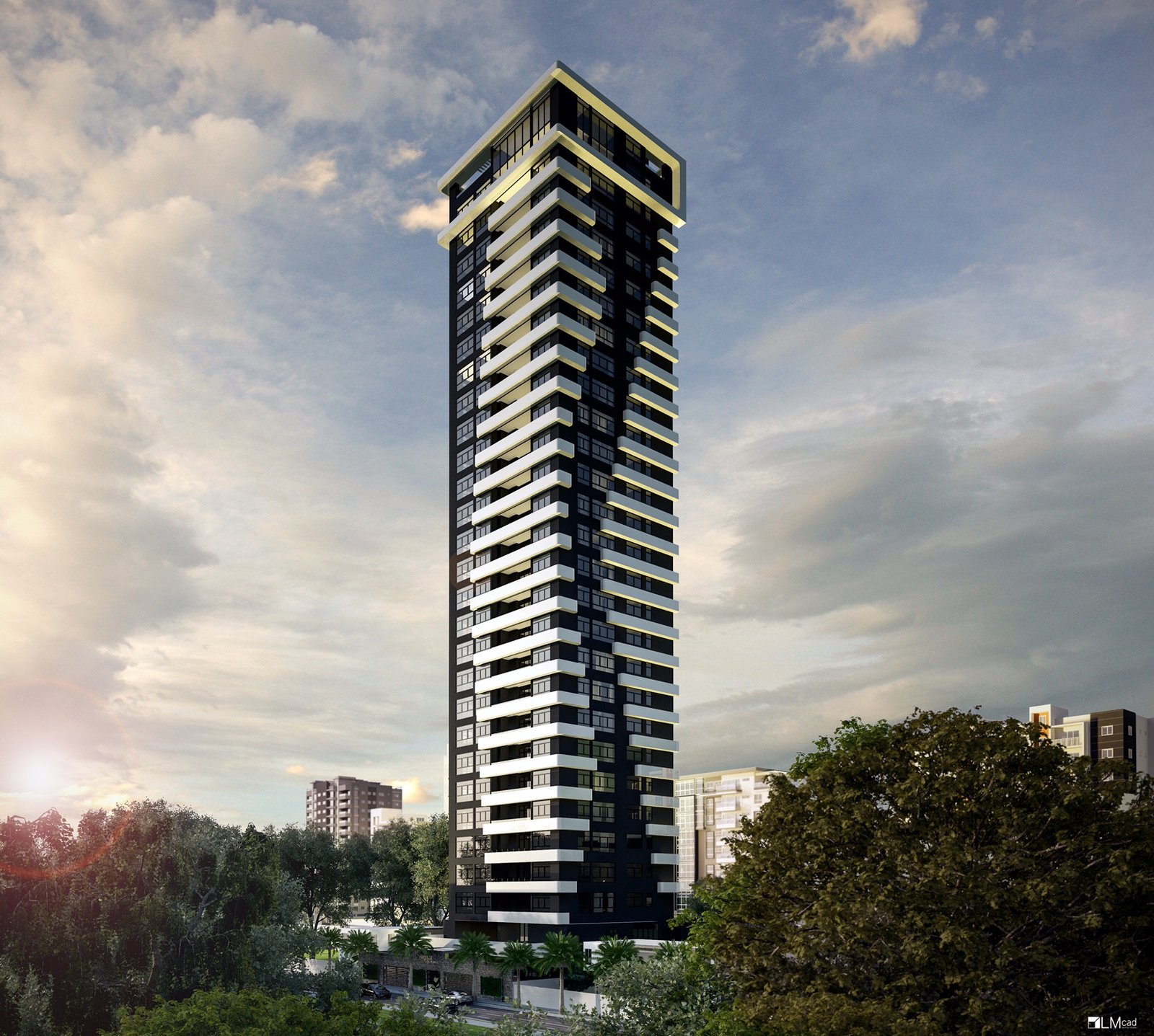
Final Torre Altos del Parque
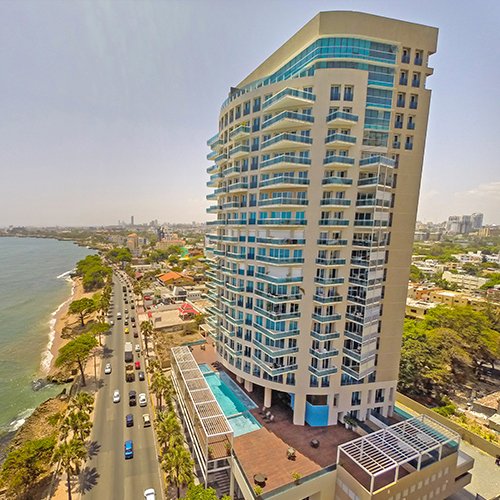
veiramar-II
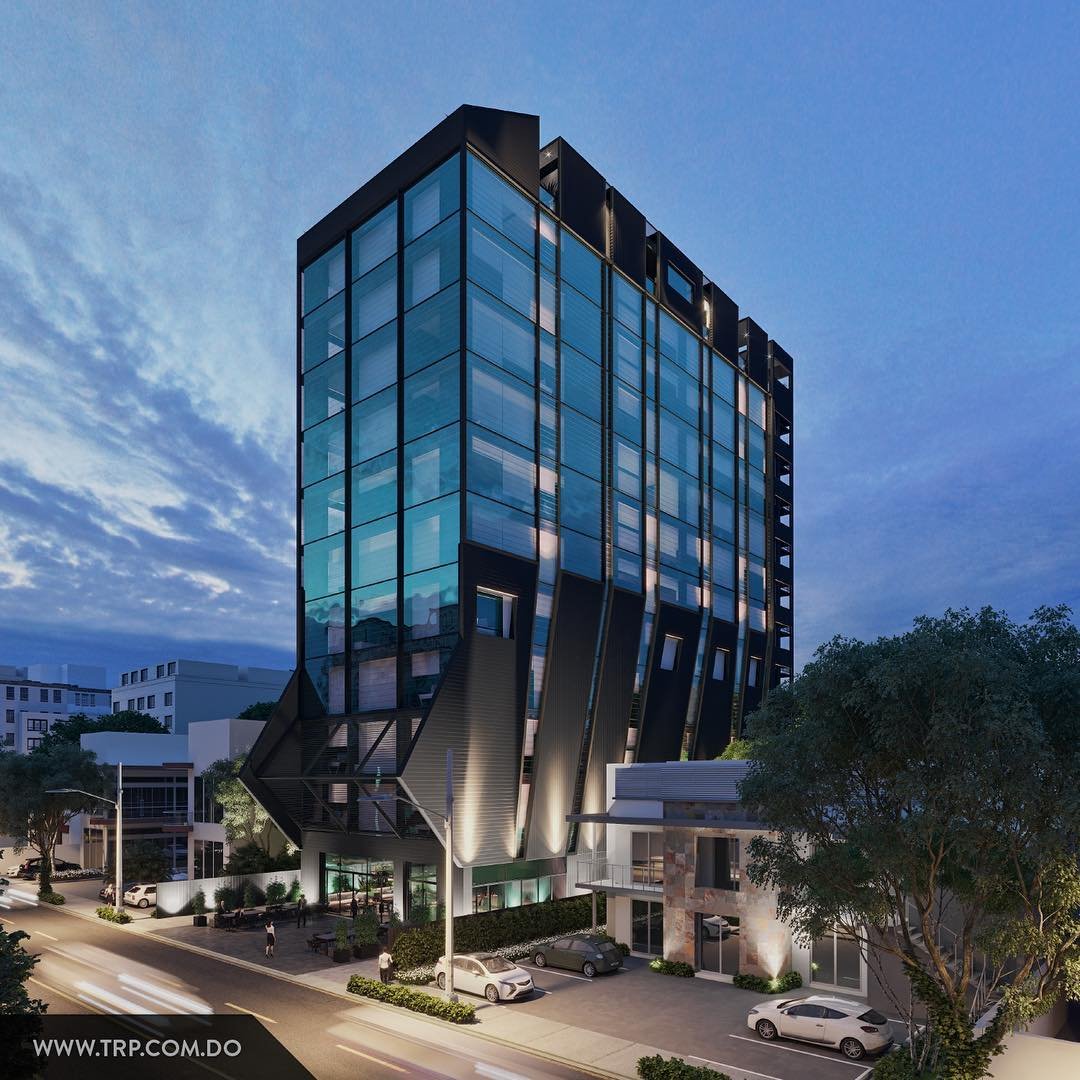
Torre Pastoriza
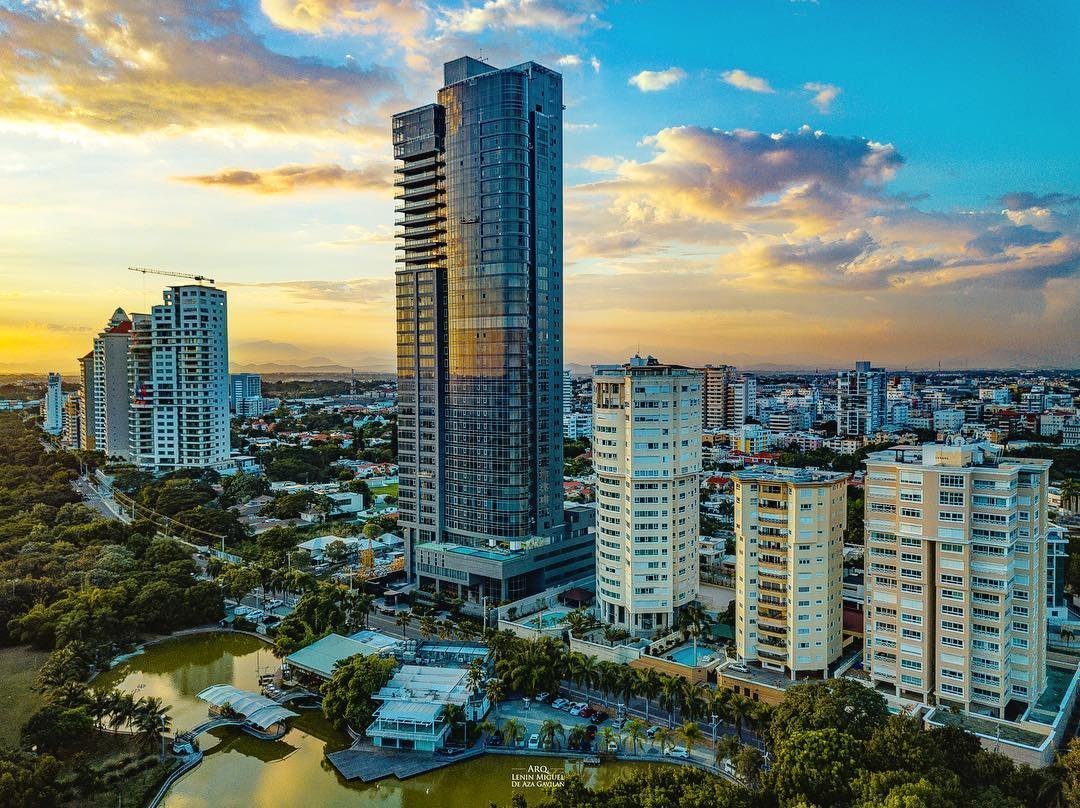
Torre Anacaona 27
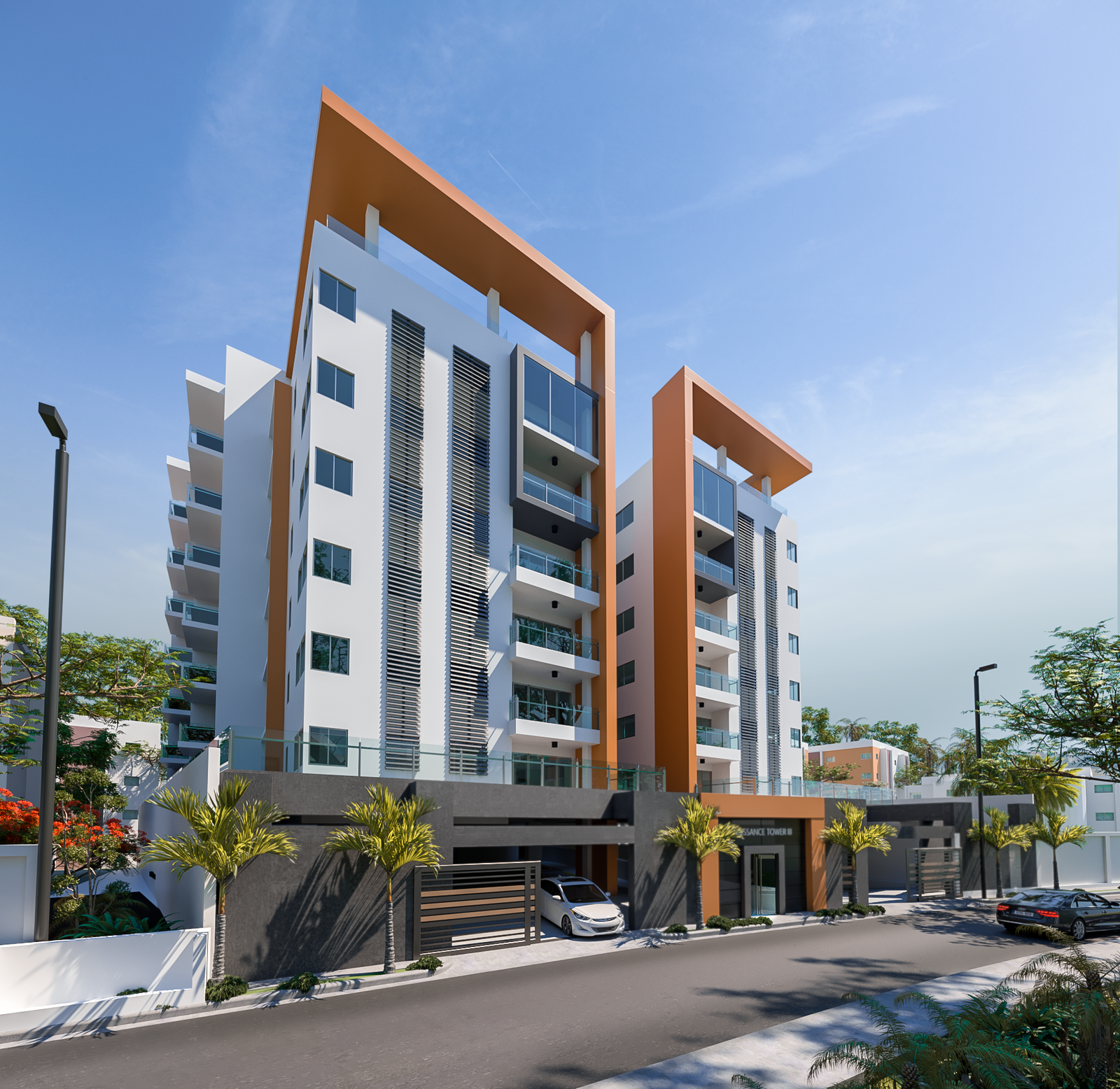
Renaissance Tower III
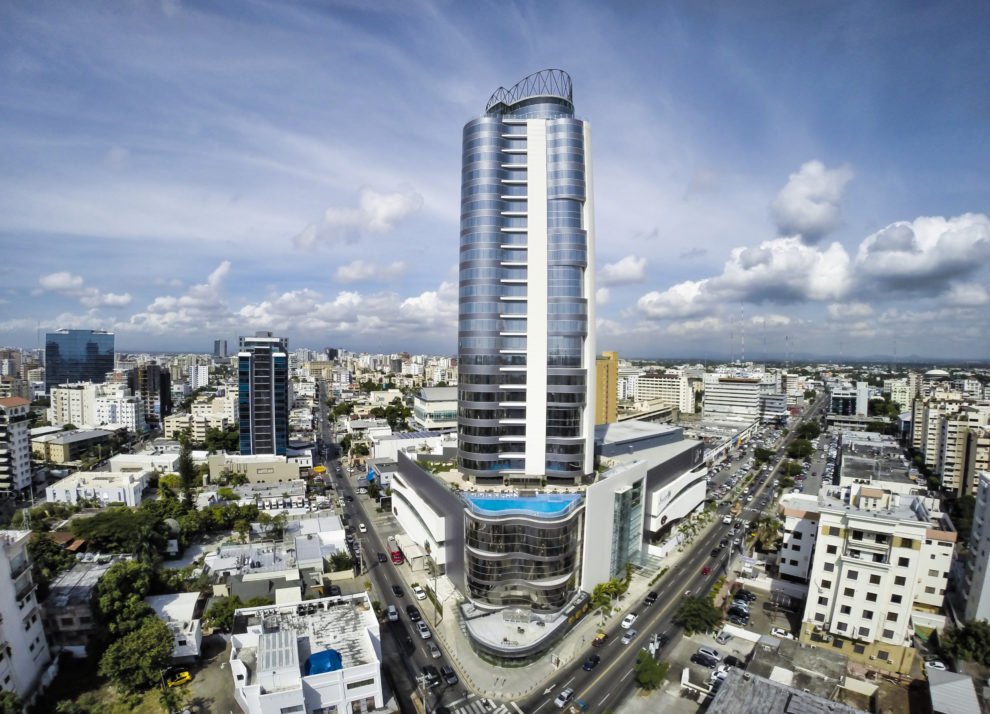
Silver Sun Gallery
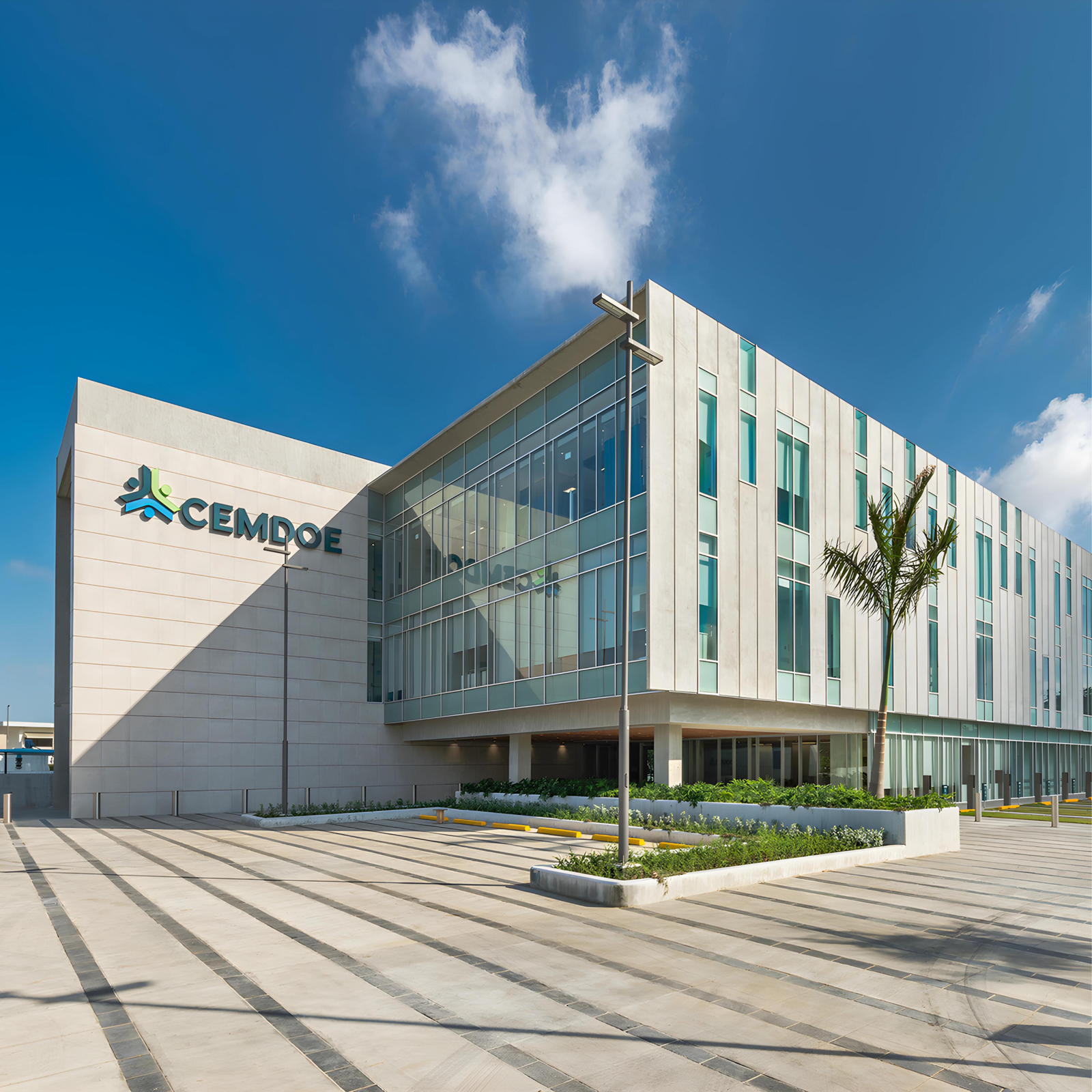
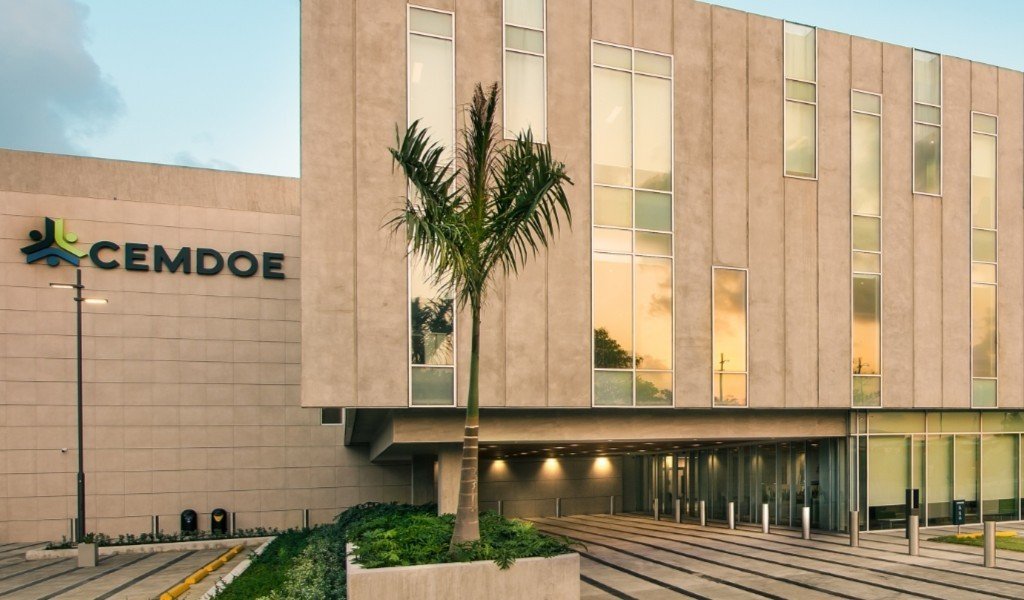
CEMDOE
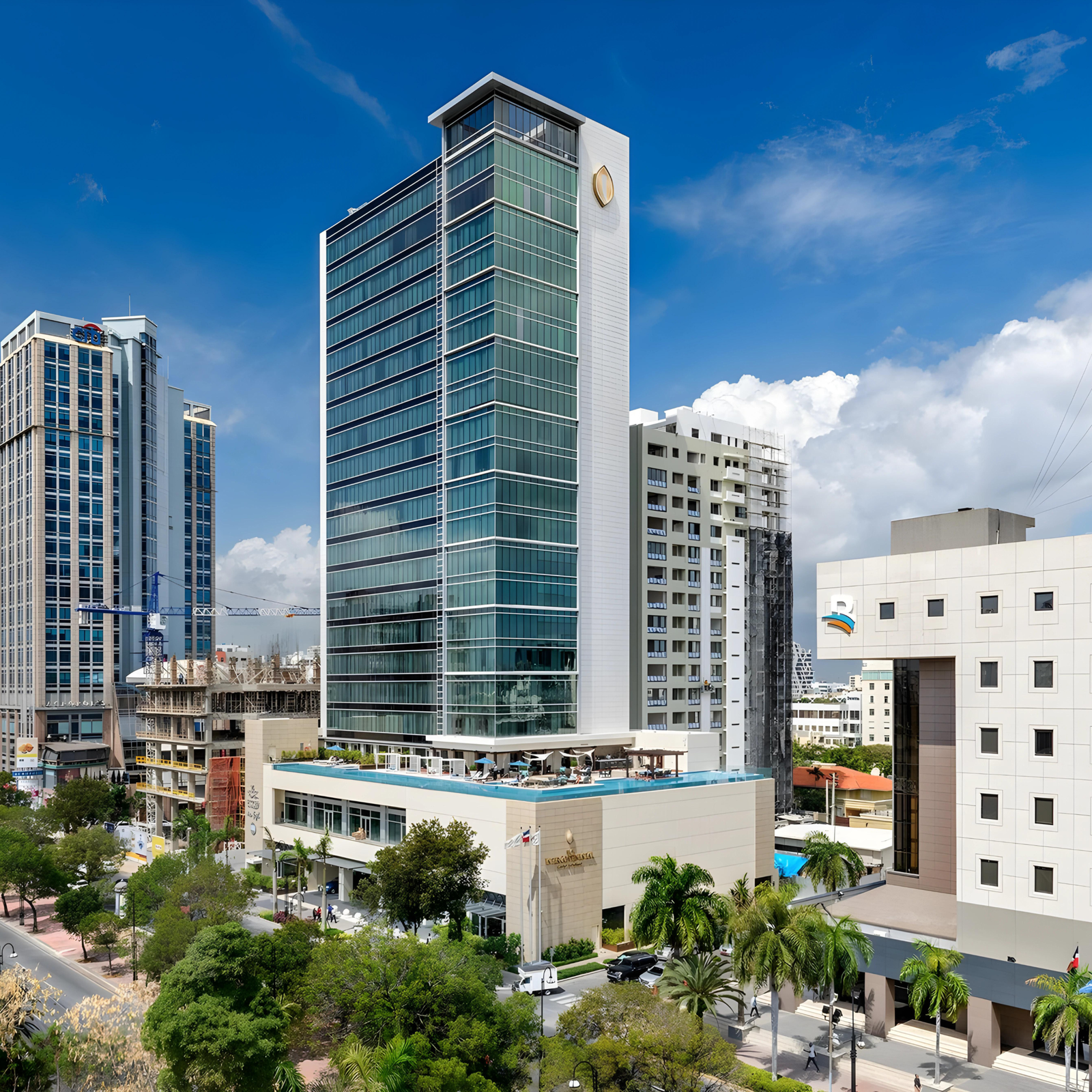
Hotel Intercontinental
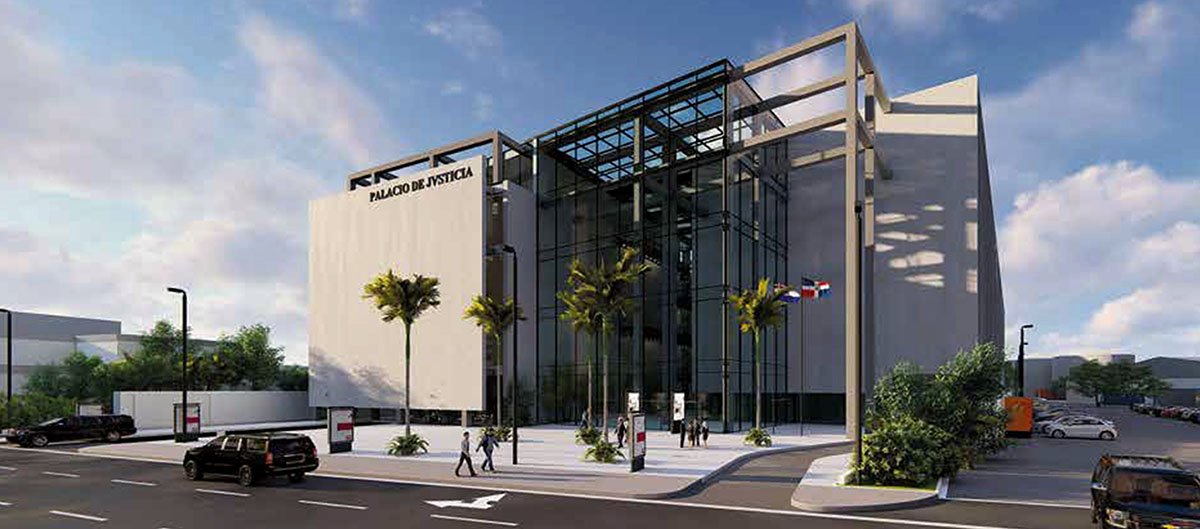
Palacio de Justicia.
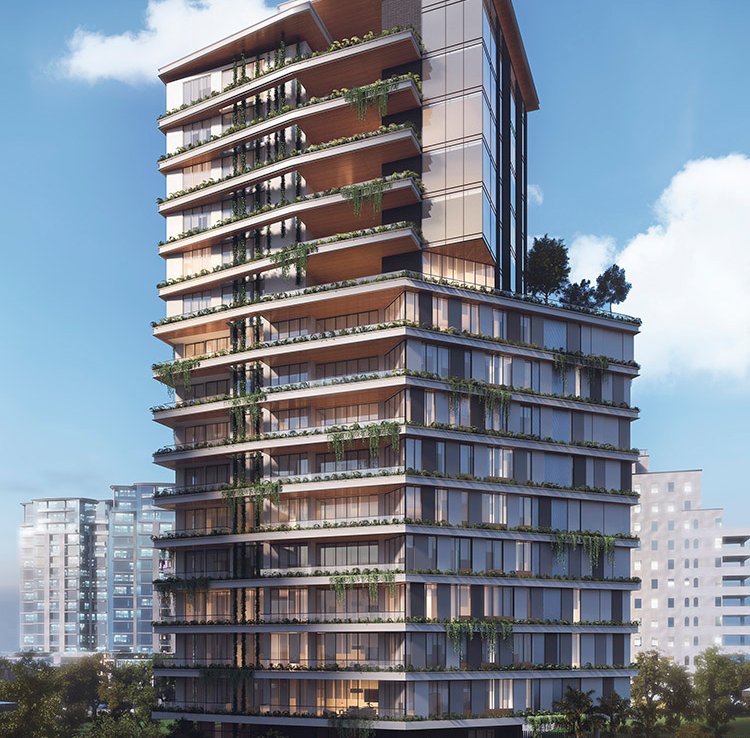
PARK PLACE.
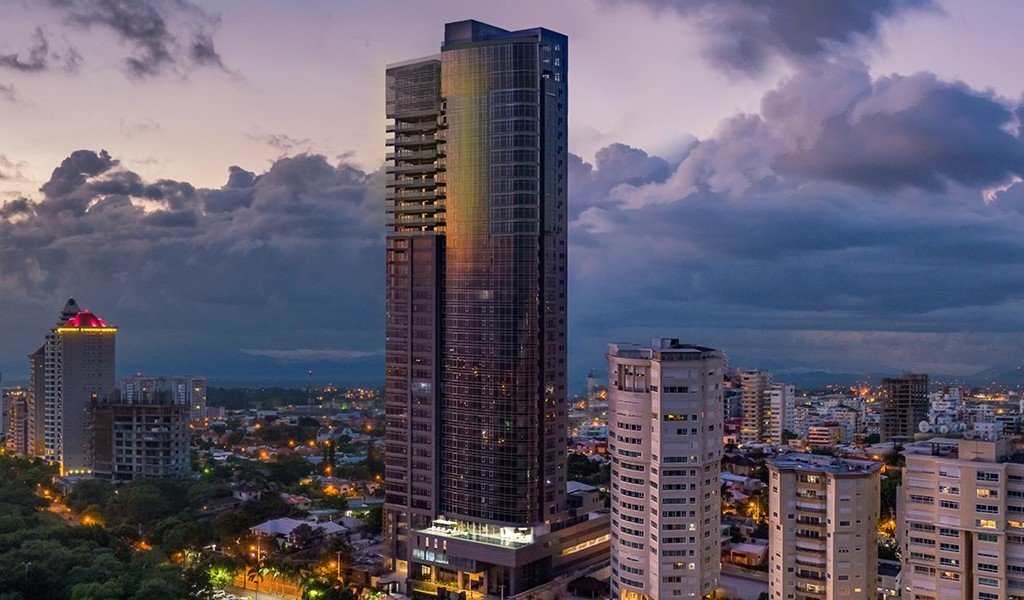
ProEXR File Description =Attributes= cameraAperture (float): 40 cameraFNumber (float): 2 cameraFarClip (float): 1e+030 cameraFarRange (float): 1000 cameraFocalLength (float): 45.0265 cameraFov (float): 47.9 cameraNearClip (float): 0 cameraNearRange (float): 0 cameraProjection (int): 0 cameraTargetDistance (float): 76.537 cameraTransform (m44f): [{-0.930654, -0.345488, 0.120507, 6.43353}, {-0.365901, 0.878733, -0.306504, 80.6725}, {-2.98023e-008, -0.329342, -0.944211, 11.5387}, {0, 0, 0, 1}] channels (chlist) compression (compression): Zip dataWindow (box2i): [0, 0, 2999, 3999] displayWindow (box2i): [0, 0, 2999, 3999] lineOrder (lineOrder): Increasing Y name (string): "" pixelAspectRatio (float): 1 screenWindowCenter (v2f): [0, 0] screenWindowWidth (float): 1 type (string): "scanlineimage" =Channels= A (half) B (half) G (half) R (half) VRayAtmosphere.B (half) VRayAtmosphere.G (half) VRayAtmosphere.R (half) VRayRawDiffuseFilter.B (half) VRayRawDiffuseFilter.G (half) VRayRawDiffuseFilter.R (half) VRayRawGlobalIllumination.B (half) VRayRawGlobalIllumination.G (half) VRayRawGlobalIllumination.R (half) VRayRawLighting.B (half) VRayRawLighting.G (half) VRayRawLighting.R (half) VRayRawReflection.B (half) VRayRawReflection.G (half) VRayRawReflection.R (half) VRayRawReflectionFilter.B (half) VRayRawReflectionFilter.G (half) VRayRawReflectionFilter.R (half) VRayRawRefraction.B (half) VRayRawRefraction.G (half) VRayRawRefraction.R (half) VRayRawRefractionFilter.B (half) VRayRawRefractionFilter.G (half) VRayRawRefractionFilter.R (half) VRayRawShadow.B (half) VRayRawShadow.G (half) VRayRawShadow.R (half) VRayRawTotalLighting.B (half) VRayRawTotalLighting.G (half) VRayRawTotalLighting.R (half) VRayRenderID (uint) VRaySpecular.B (half) VRaySpecular.G (half) VRaySpecular.R (half) VRayWireColor.B (half) VRayWireColor.G (half) VRayWireColor.R (half) Z (float) background.B (half) background.G (half) background.R (half) defocusAmount (half) diffuseFilter.B (half) diffuseFilter.G (hal
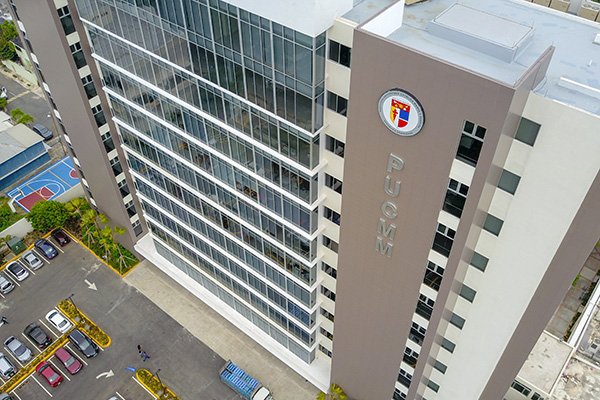
PUCMM
DCIM101MEDIADJI_0477.JPG
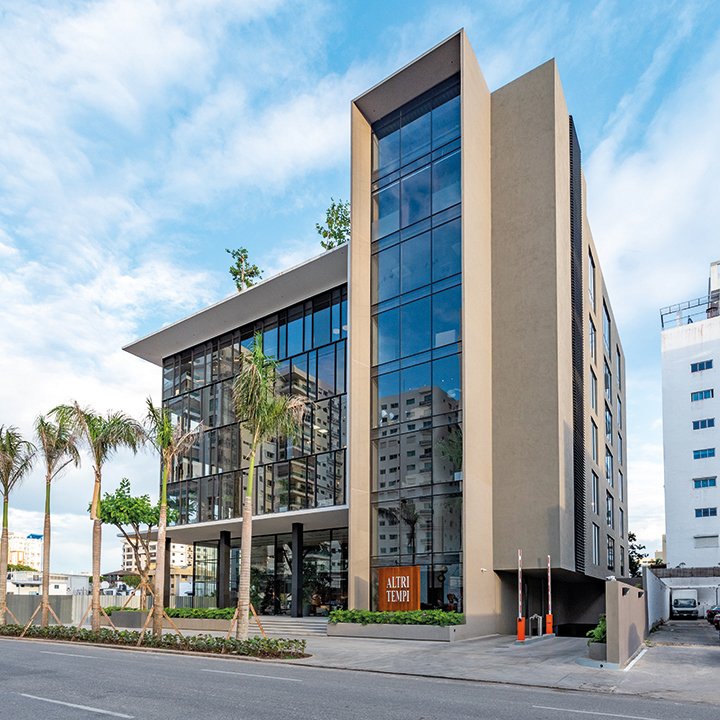
ALTRI TEMPI
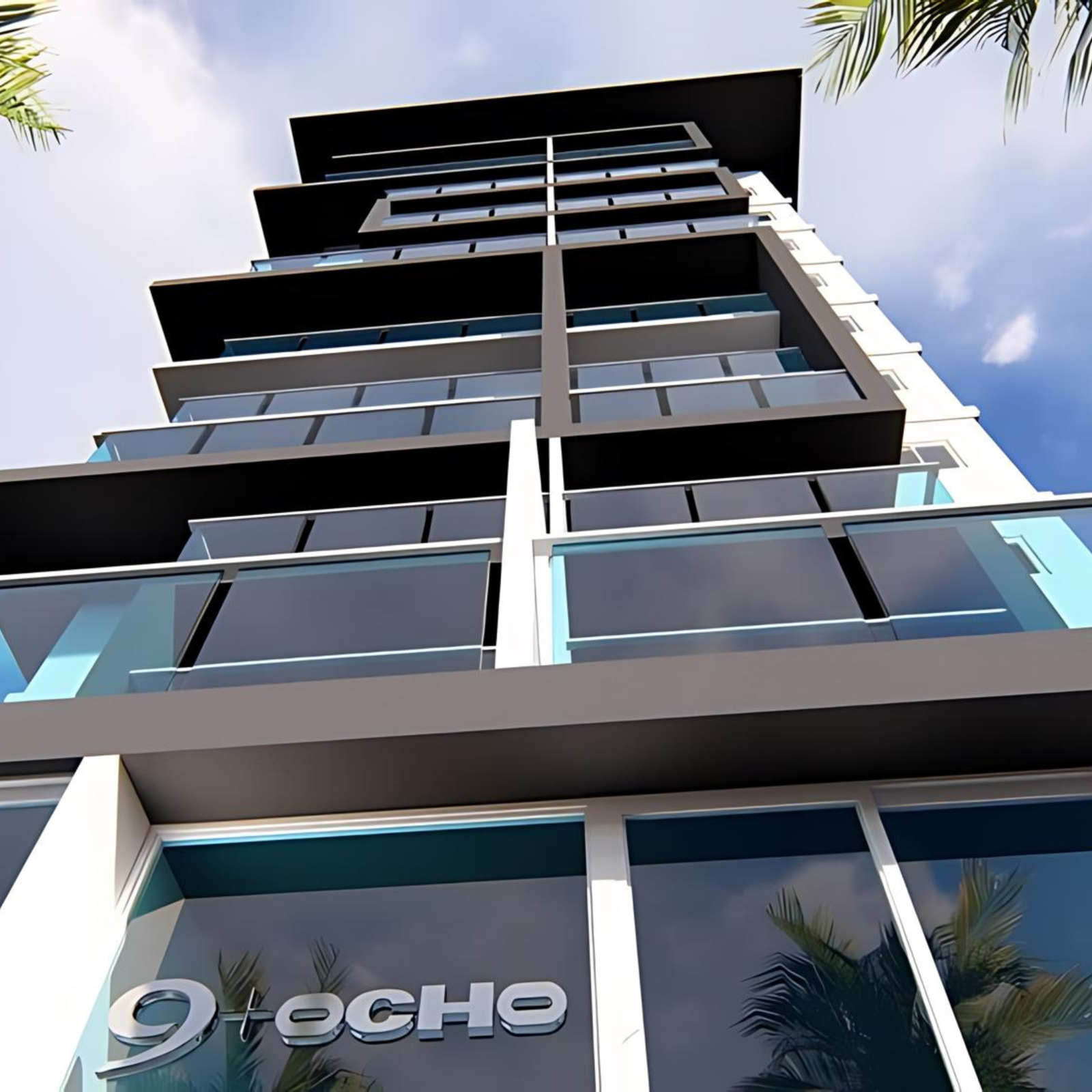
9+OCHO
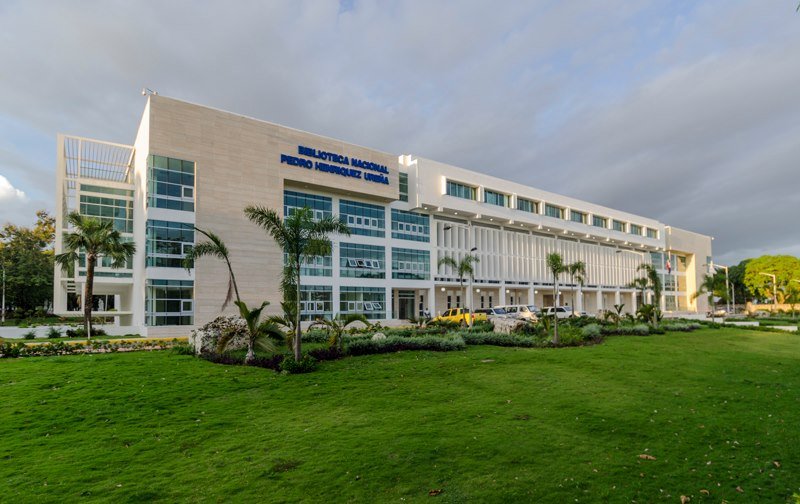
Biblioteca Nacional PHU
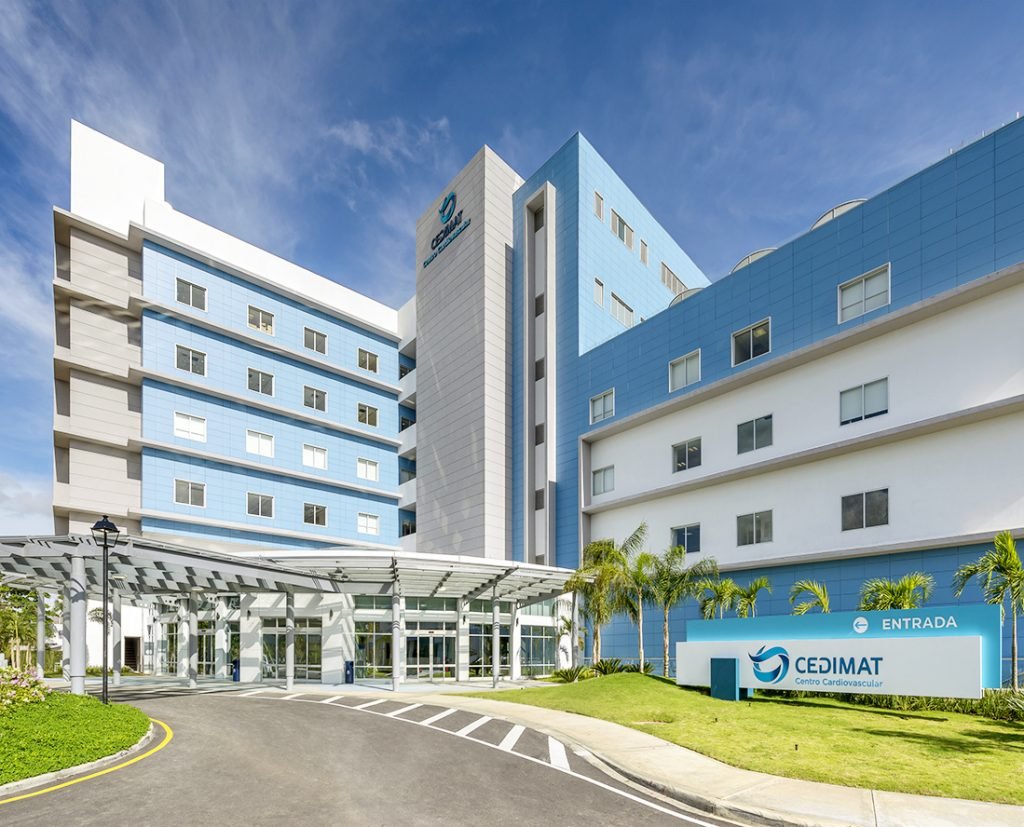
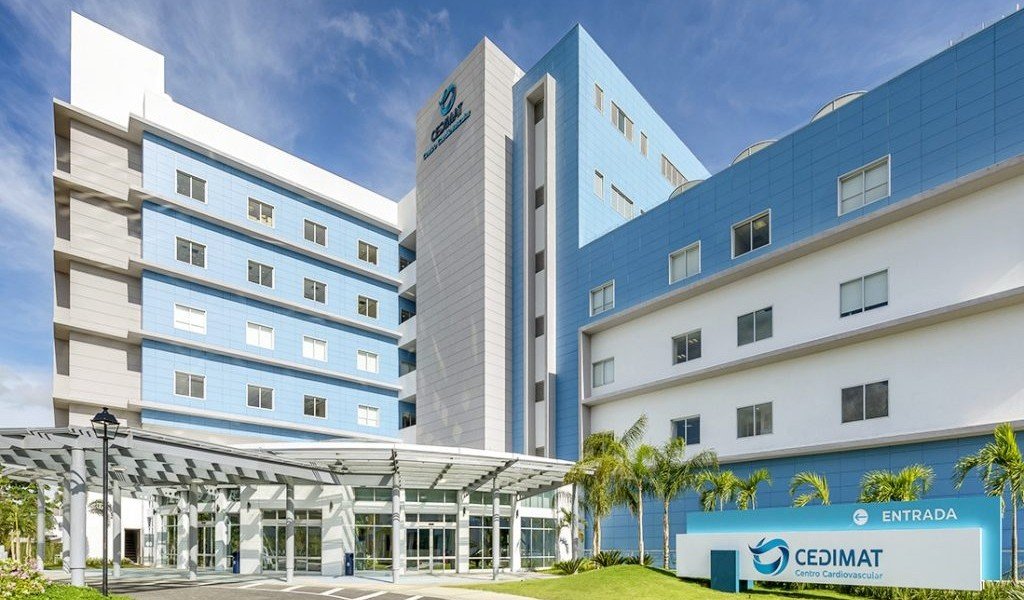
CEDIMAT
Destacados

Proyecto 1
Your content goes here. Edit or remove this text inline or in the module Content settings. You can also style every aspect of this content in the module Design settings and even apply custom CSS to this text in the module Advanced settings.
Proyecto 2
Your content goes here. Edit or remove this text inline or in the module Content settings. You can also style every aspect of this content in the module Design settings and even apply custom CSS to this text in the module Advanced settings.
Proyecto 3
Your content goes here. Edit or remove this text inline or in the module Content settings. You can also style every aspect of this content in the module Design settings and even apply custom CSS to this text in the module Advanced settings.